
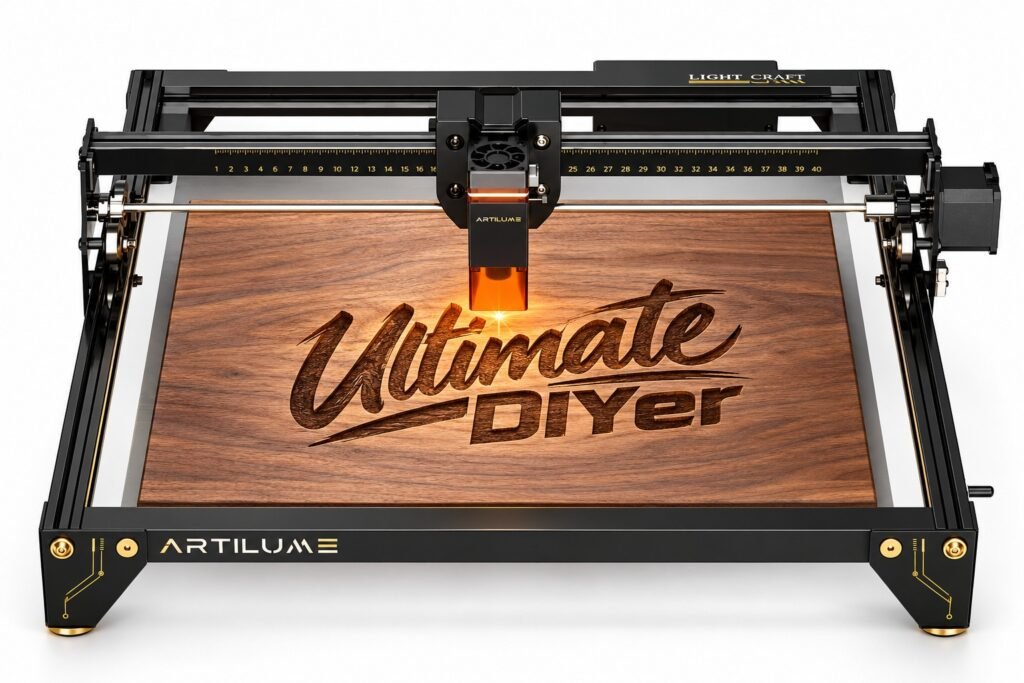
Disclosure: Artilume provided the A4 22W for review. The product link below is an affiliate link and may earn me a commission at no extra cost to you. This article describes my own first-use experience. Advertised manufacturer capabilities are labeled accordingly.
THE FIRST TIME I EVER USED A LASER ENGRAVER
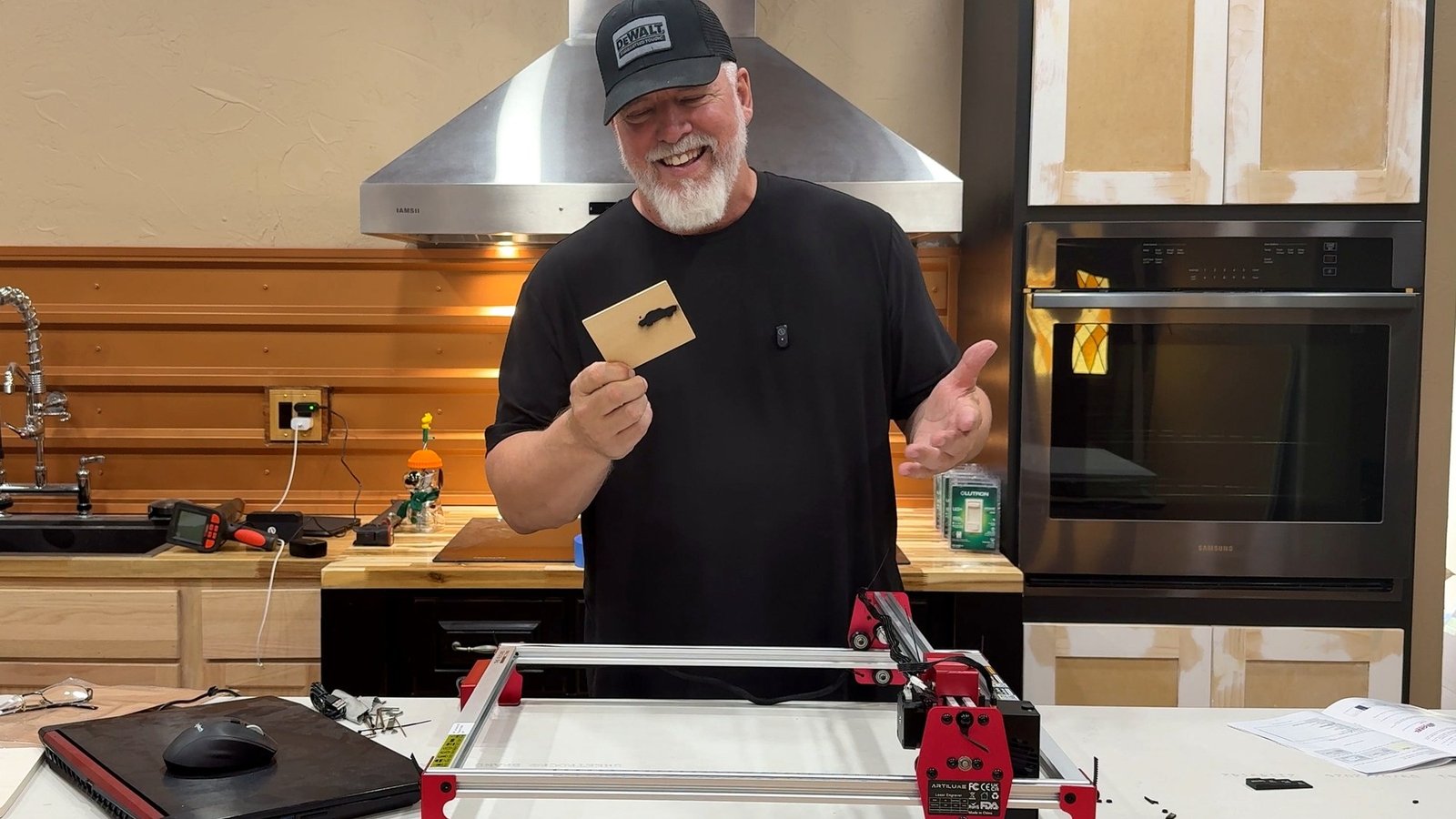
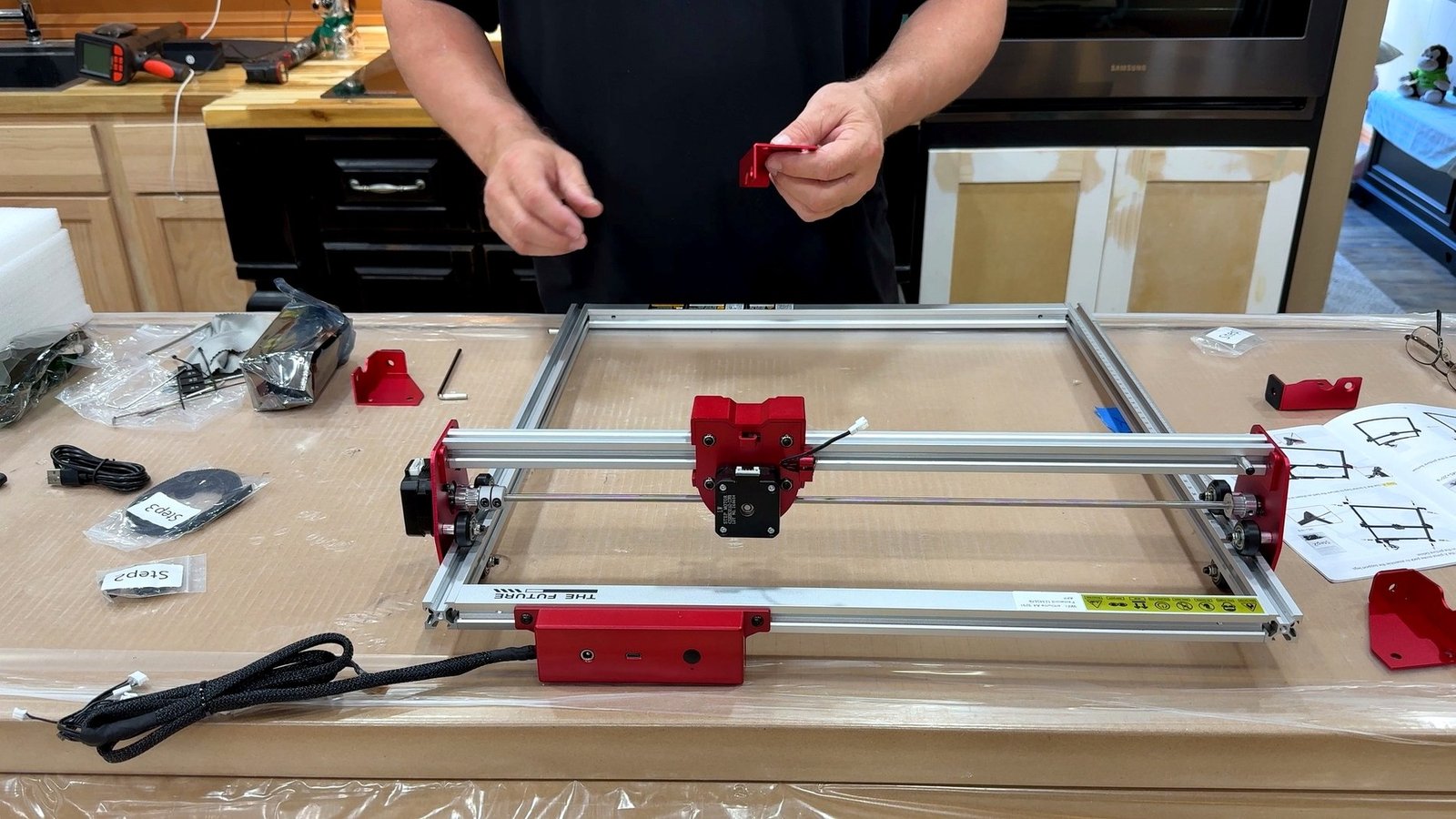
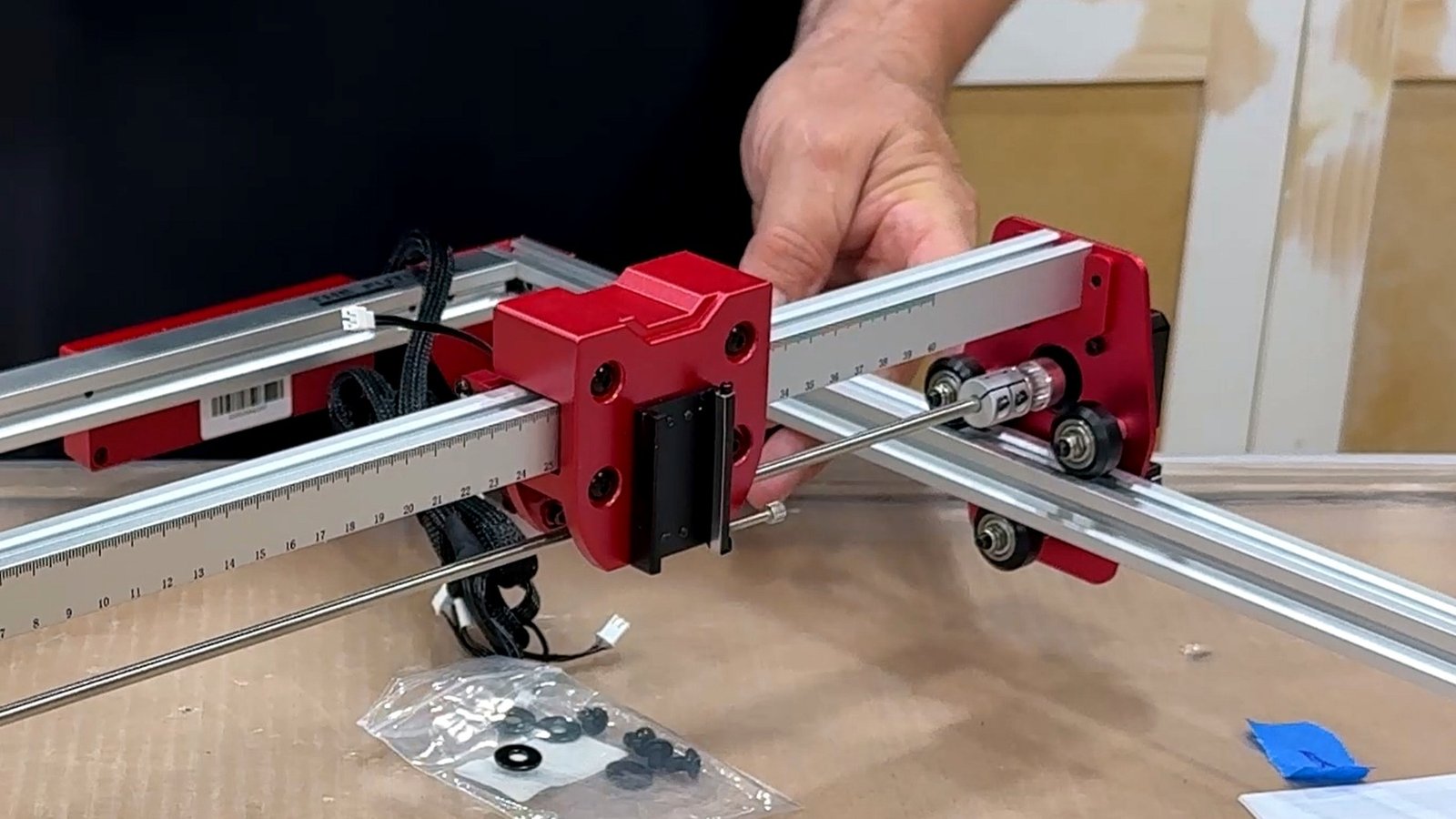
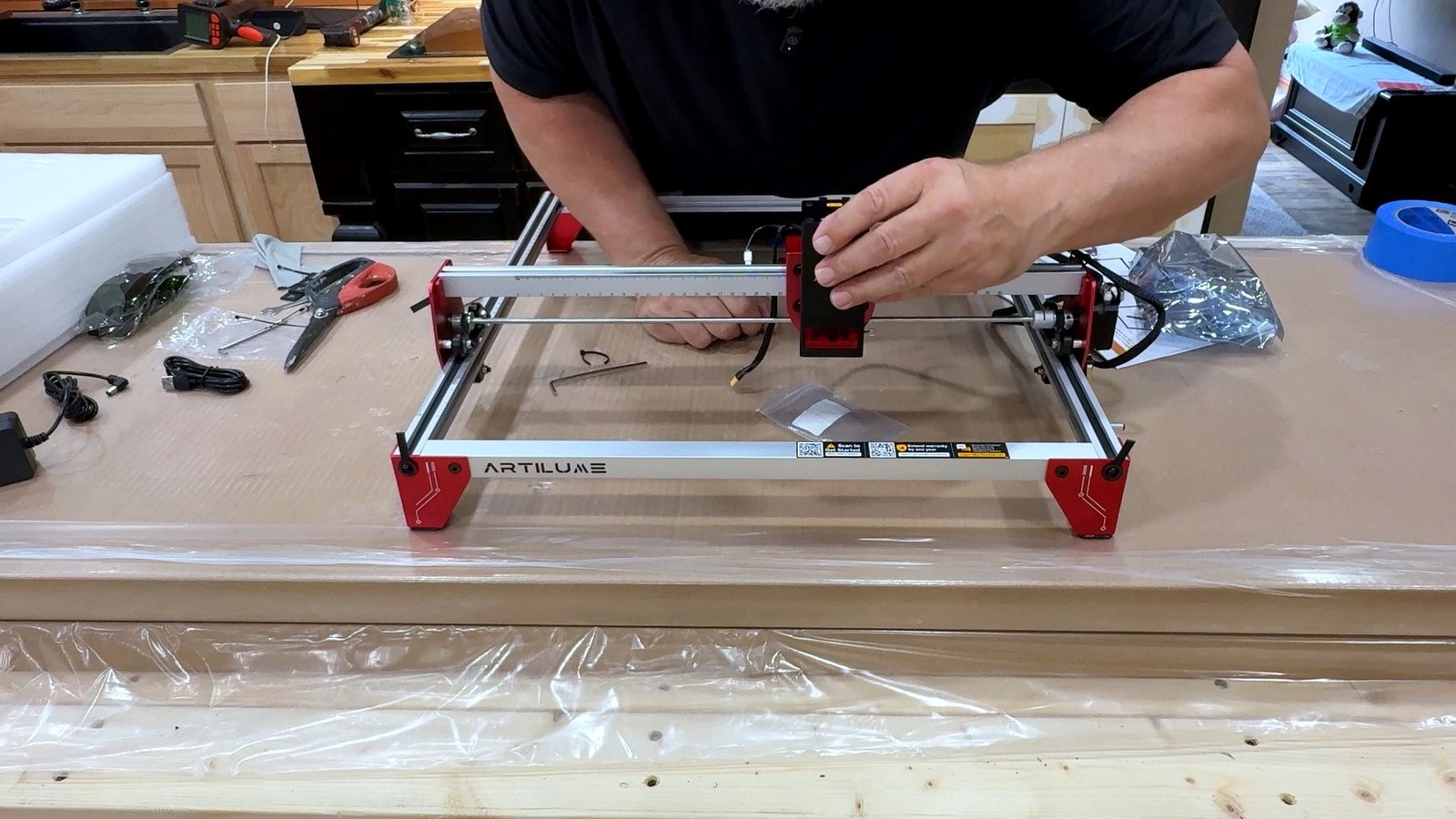
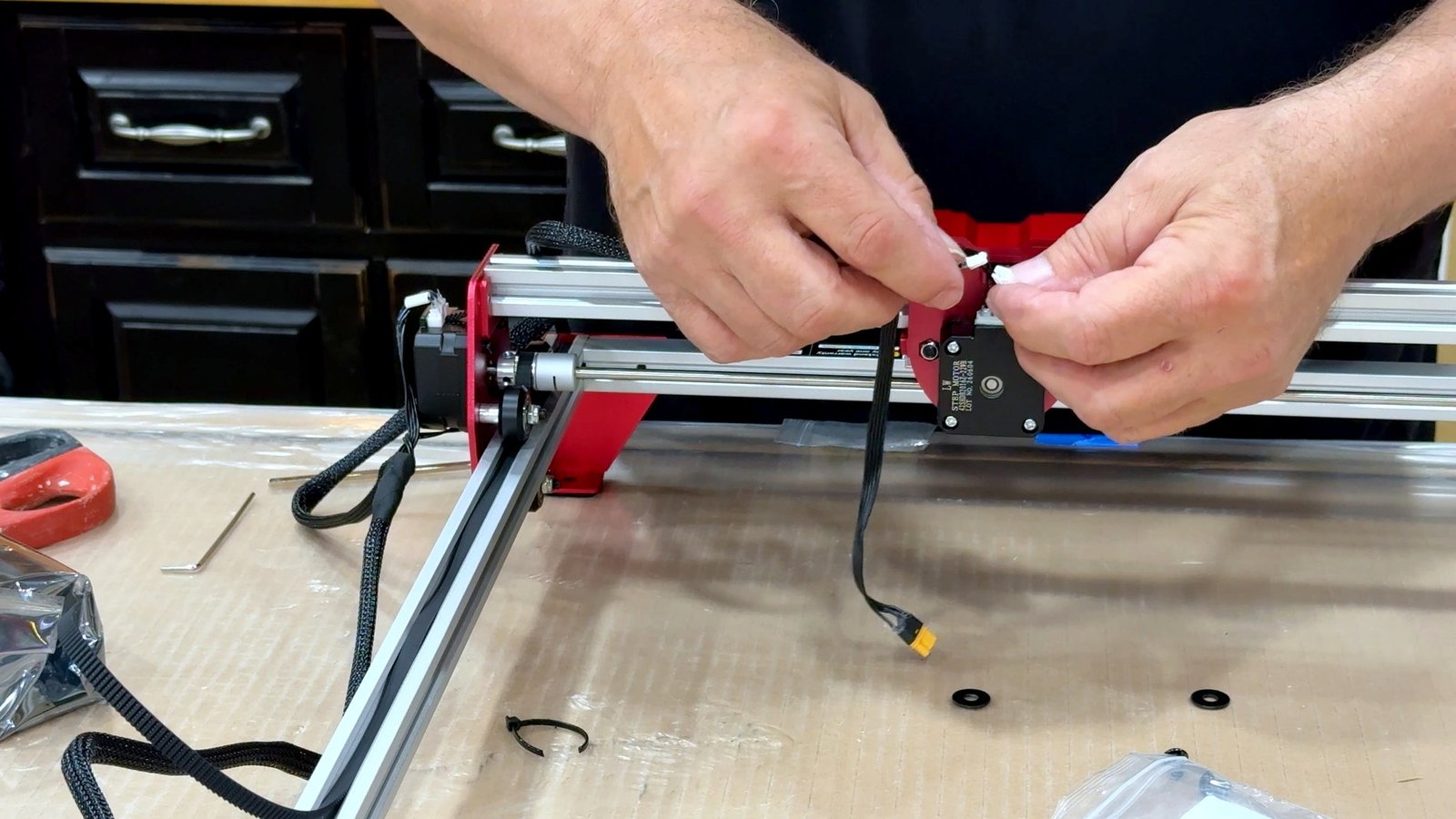
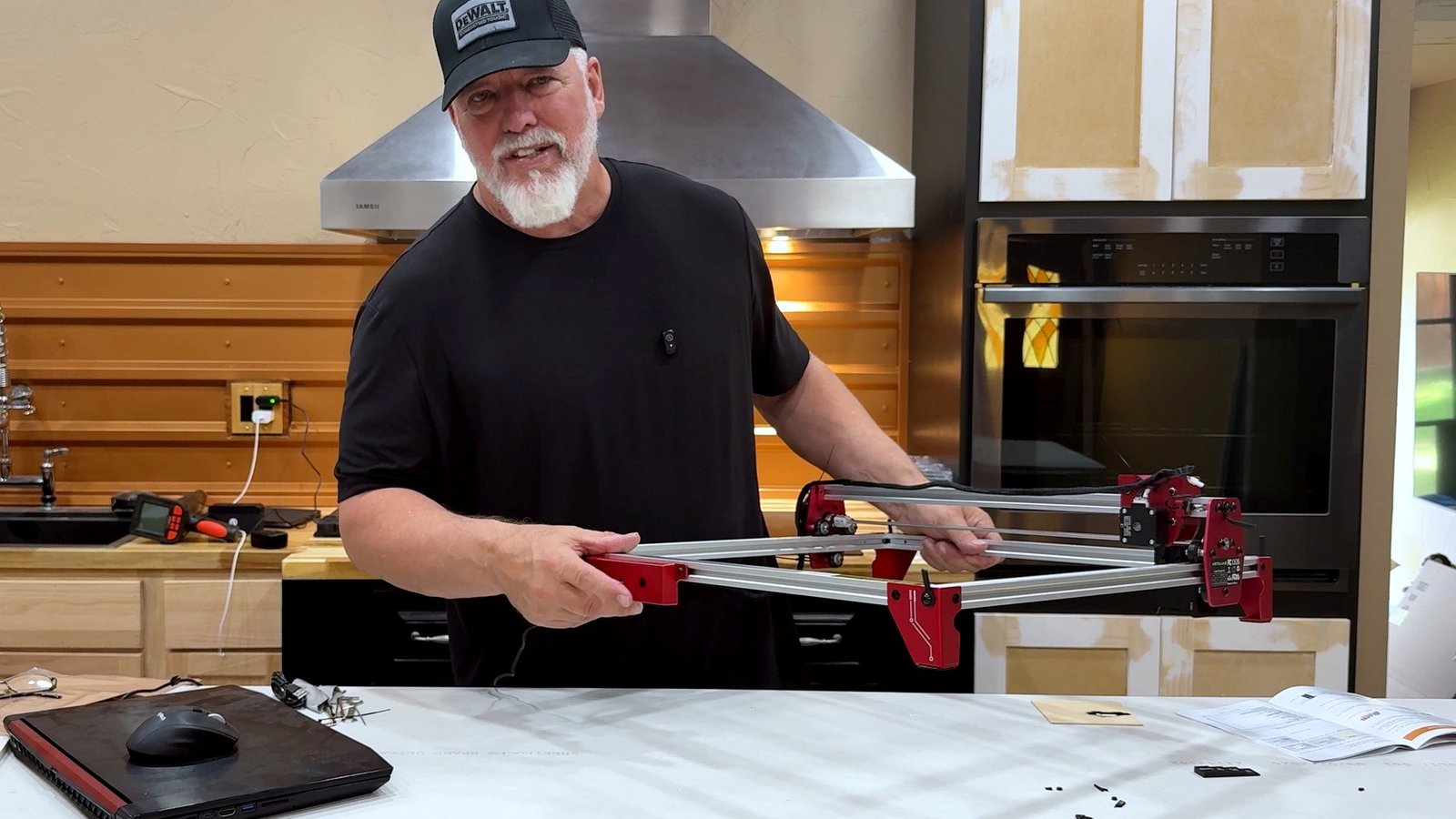
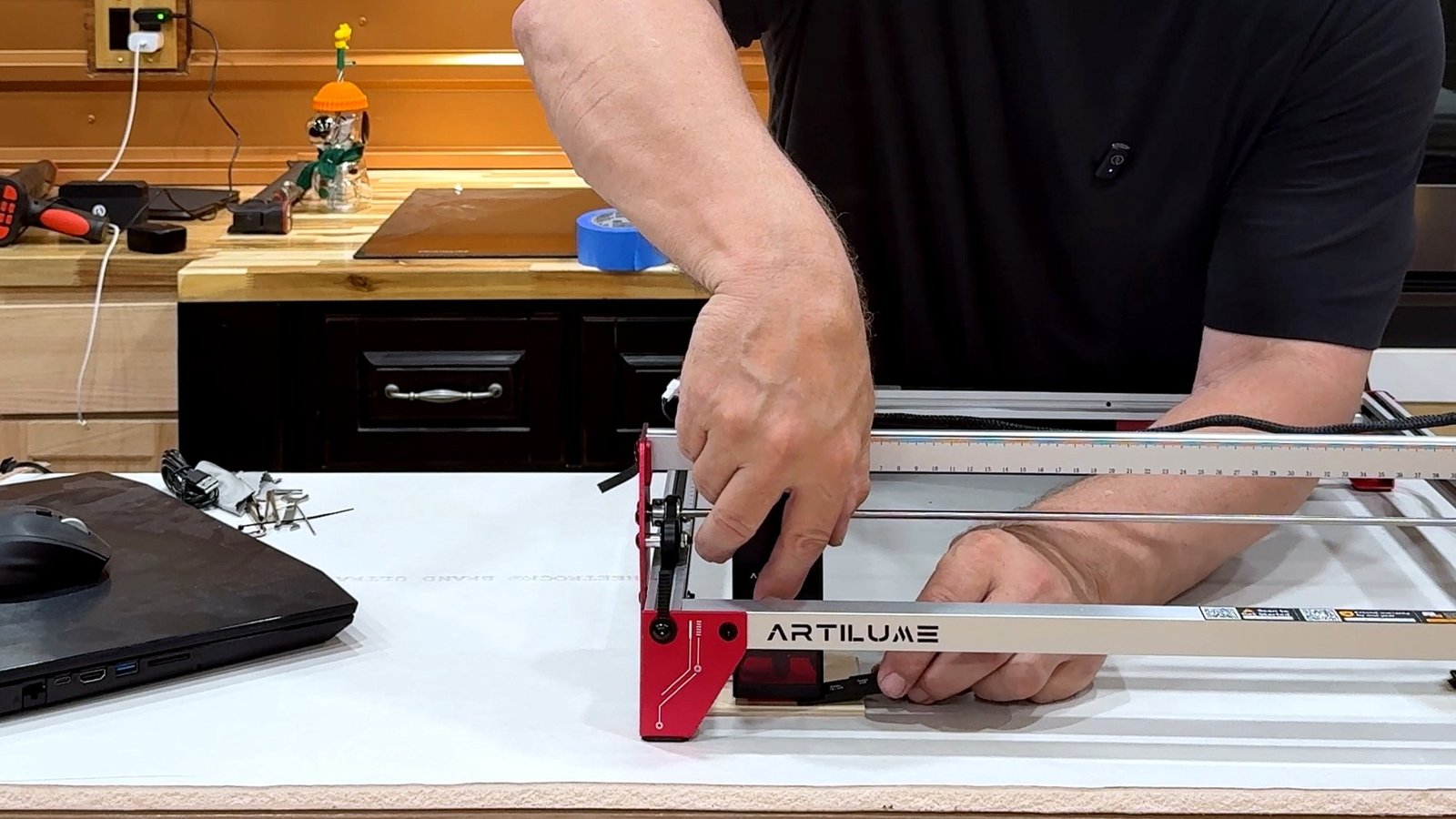
I’ve used just about every power tool you can imagine, but laser engraving was new territory. Artilume supplied the A4 22W for this review, and I decided to document the experience from scratch: unboxing, assembling the machine, learning the phone app and cutting my first wooden shapes. This is a first-time user account, not an independent maximum-depth performance certification.
Laser safety before you start
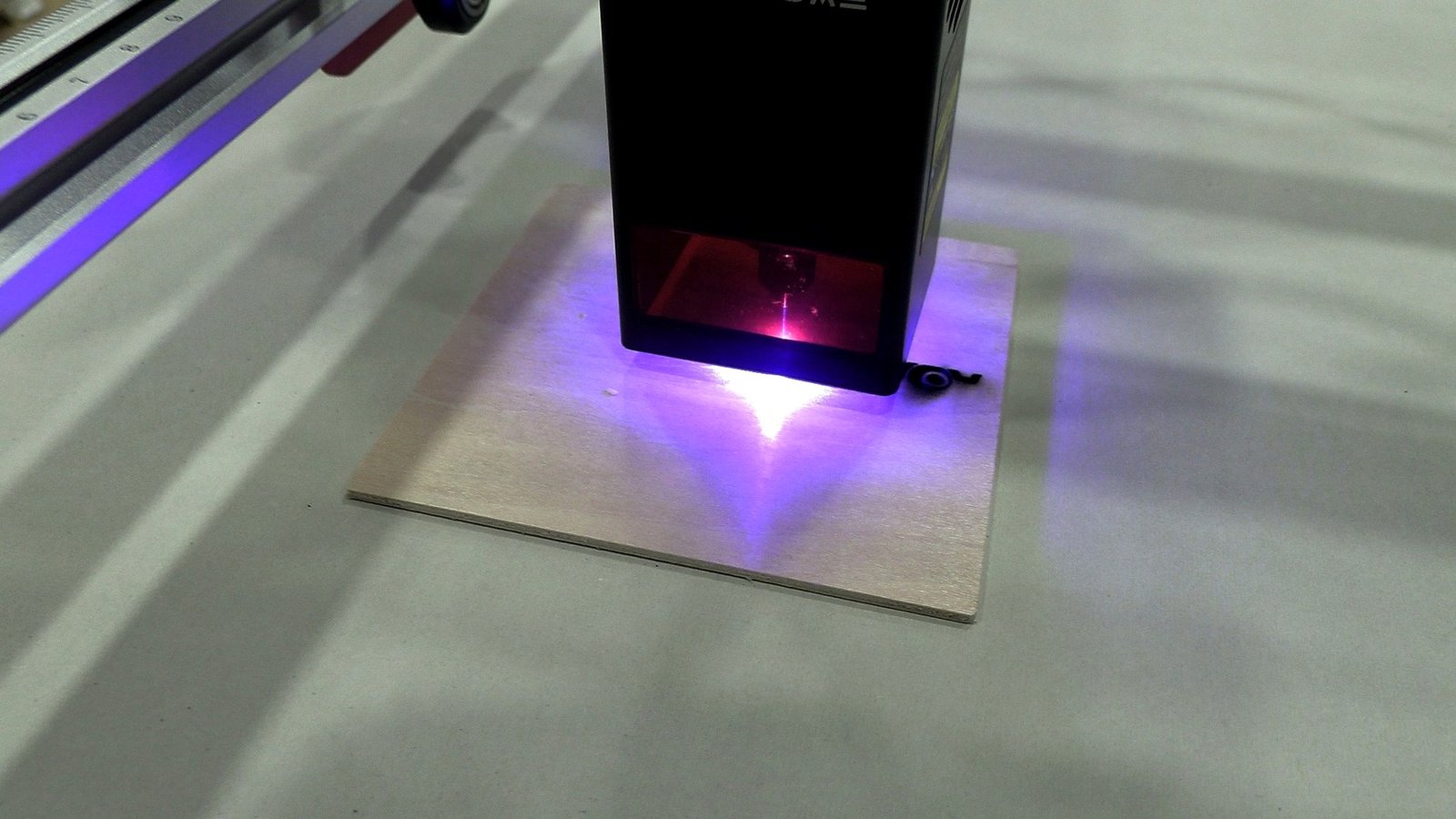
This open-frame laser requires serious safeguards: laser-rated enclosure and eye protection appropriate to the actual wavelength, effective fume extraction, a noncombustible work area and constant attendance during a job. The small shield on the laser head is not a substitute for a fully protected working setup. Never cut PVC, vinyl or unidentified plastics; adhesives and coatings can generate hazardous fumes. Have appropriate fire-control equipment available and stop immediately if a sustained flame develops.

First wood project: a little car
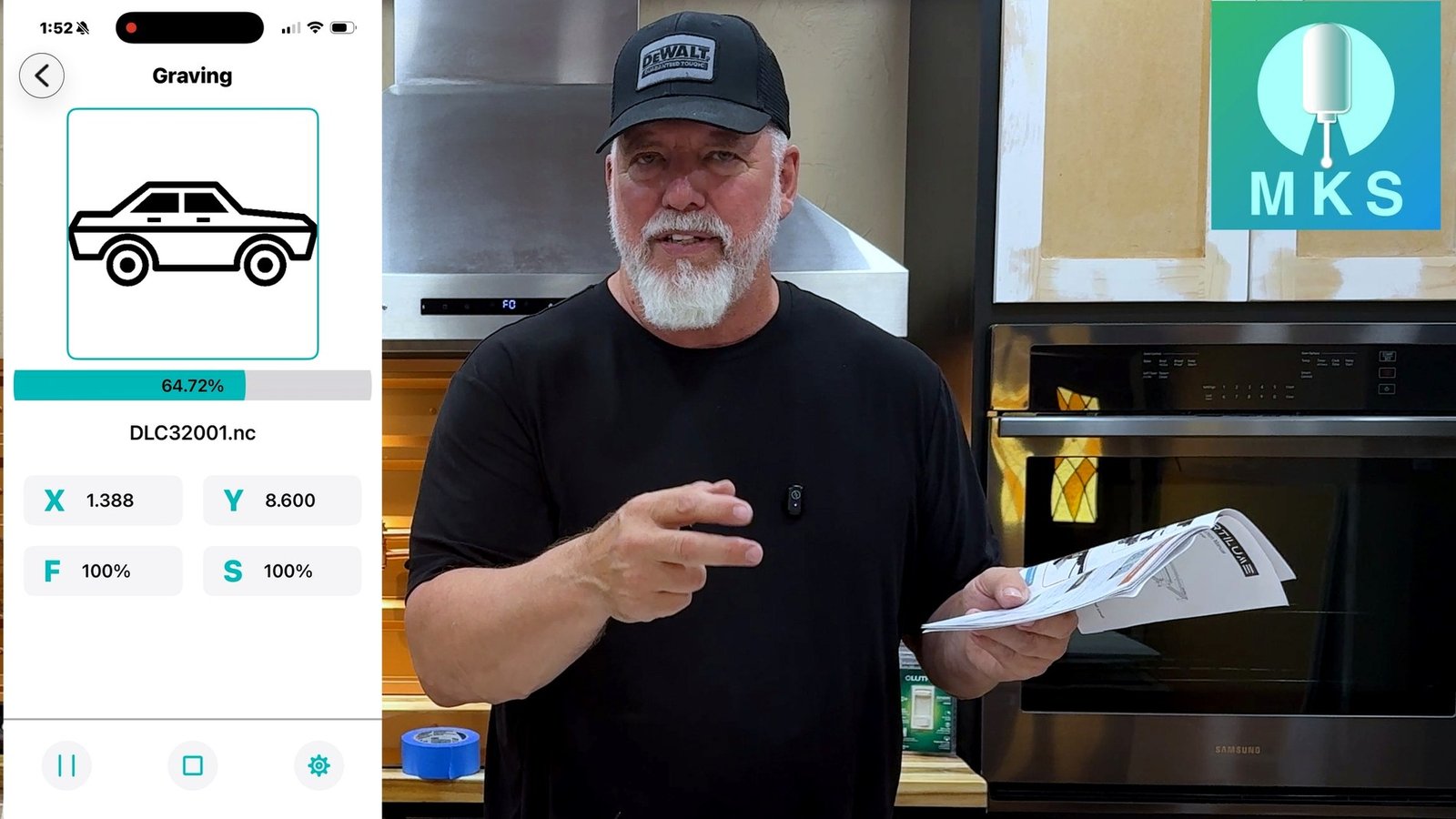
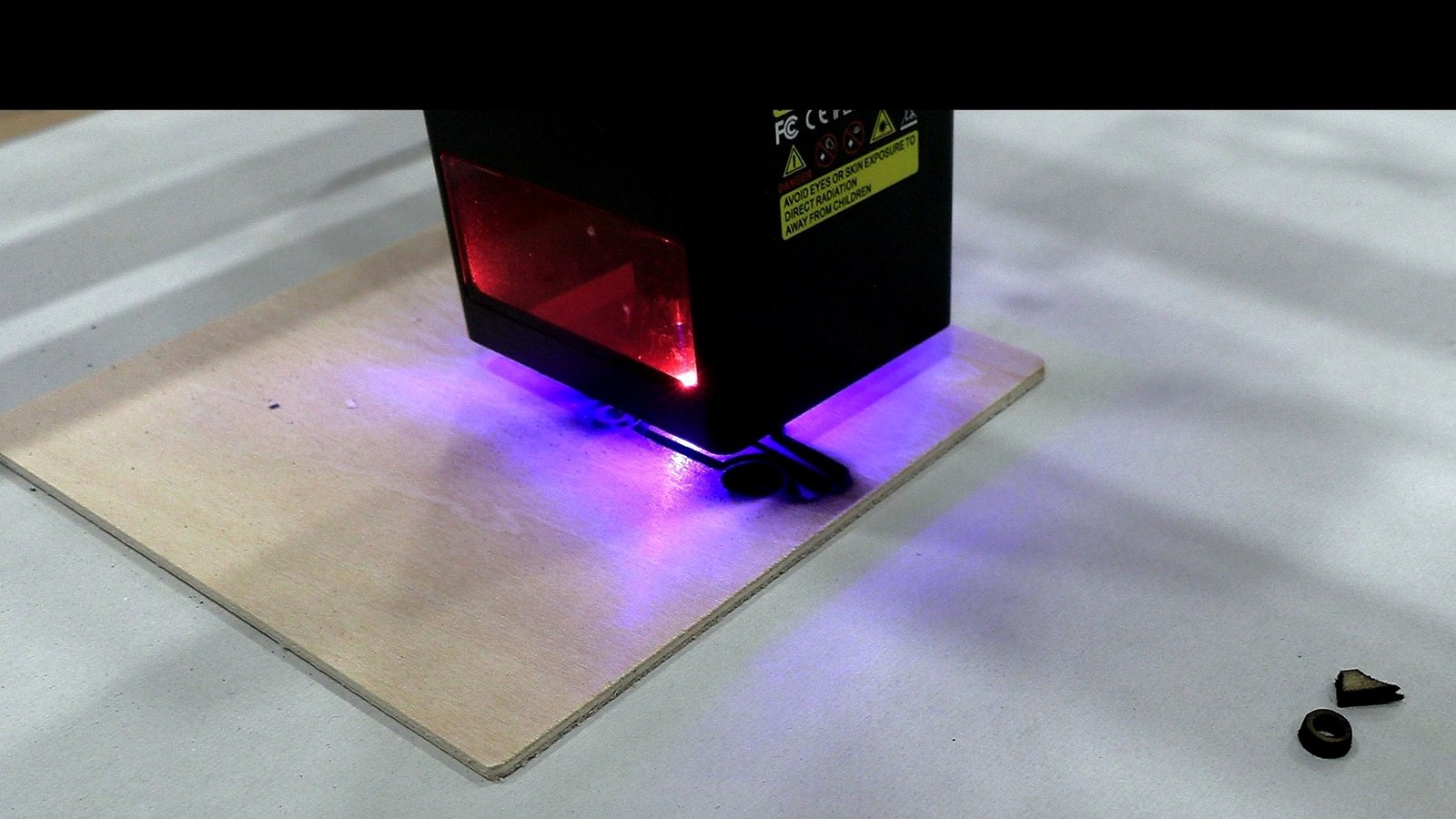
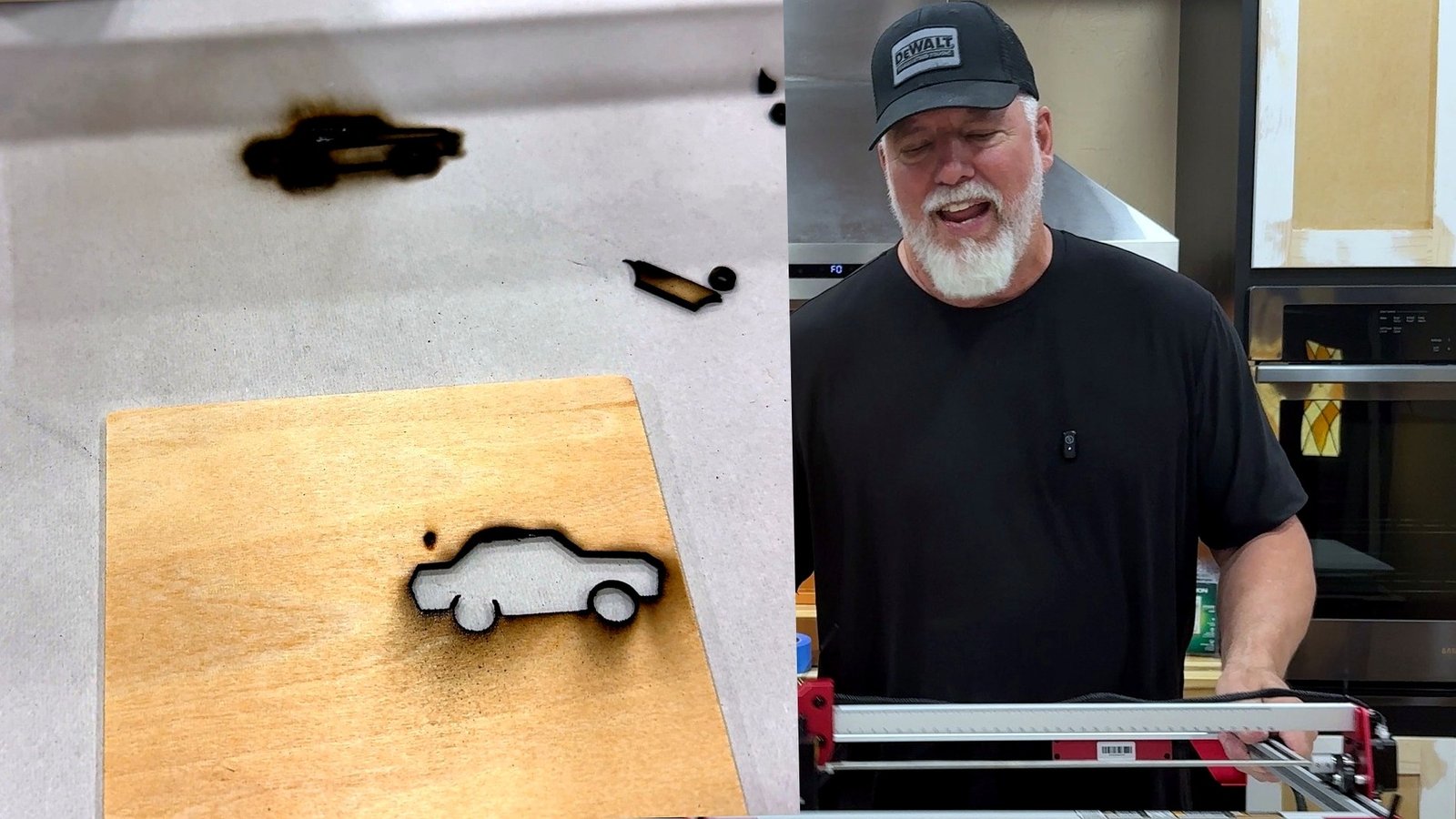
My first cutting project was a small wooden car. I used the app to work with the image and then watched the machine follow the design. The finished shape showed darkened edges and smoke staining—real evidence of a beginner learning the correct settings. That doesn’t demonstrate the maximum thickness the laser can cut, but it helps explain the relationship between artwork, focus, power, travel speed and the result on a real piece of wood.
Trying lettering on a wooden heart
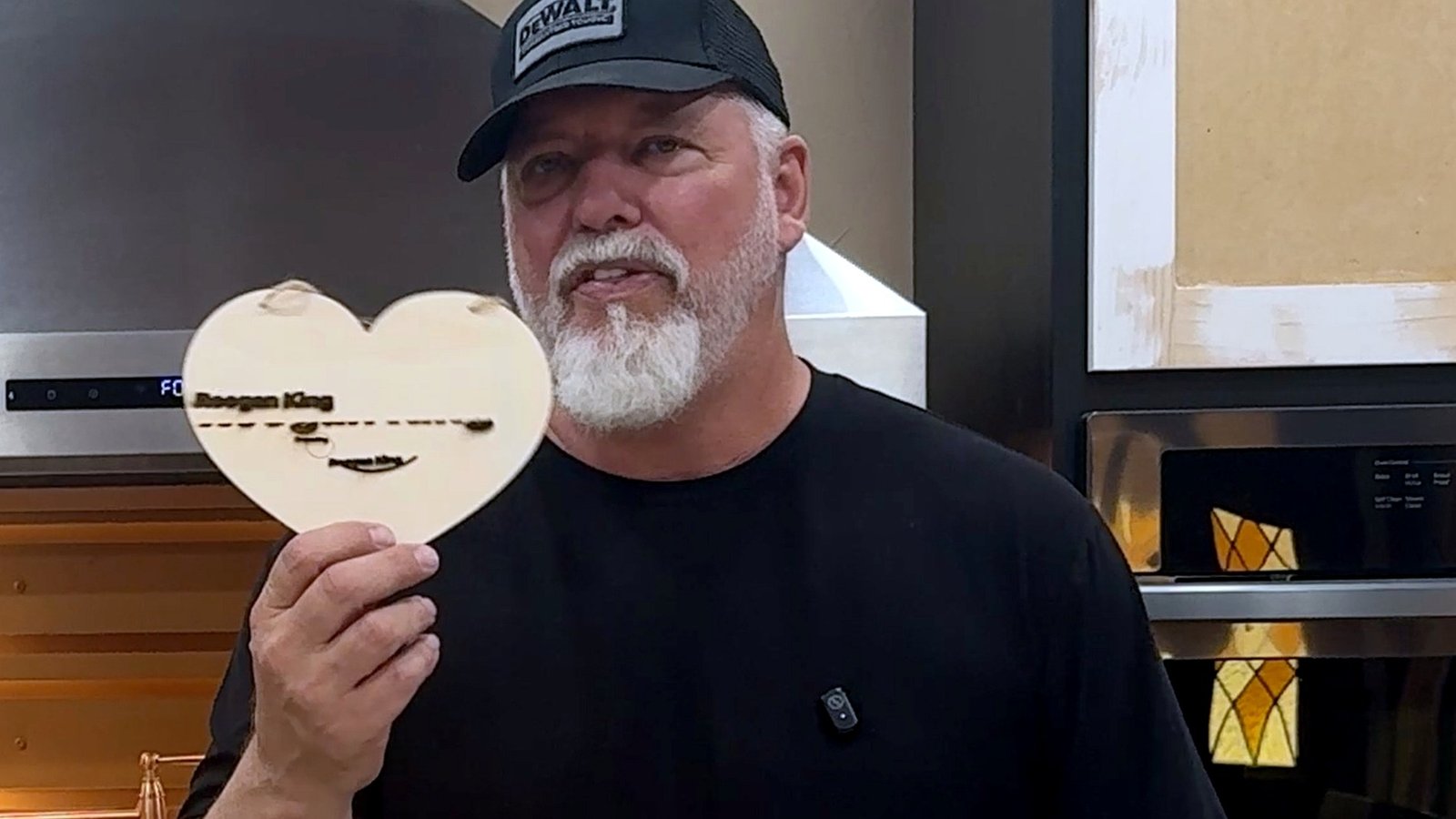
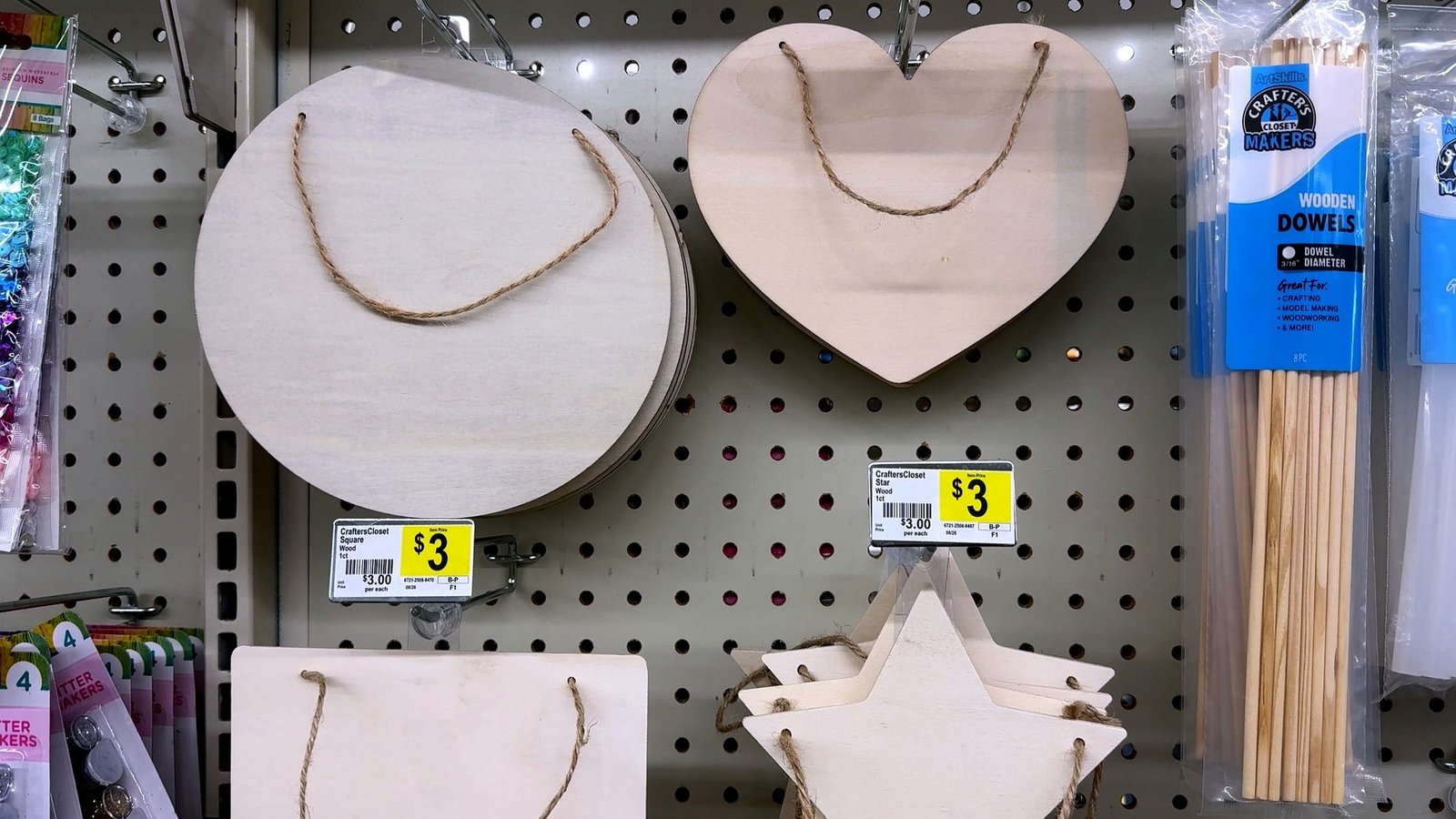
Next I experimented with lettering on an unfinished wooden heart. The engraving wasn’t perfect, which makes this an especially useful teaching example. Text reveals positioning, focus and contrast problems quickly. Inexpensive pre-cut wood blanks are useful for practice, provided you positively identify the material and any coatings or adhesives before engraving.
Materials, test blanks and expectations
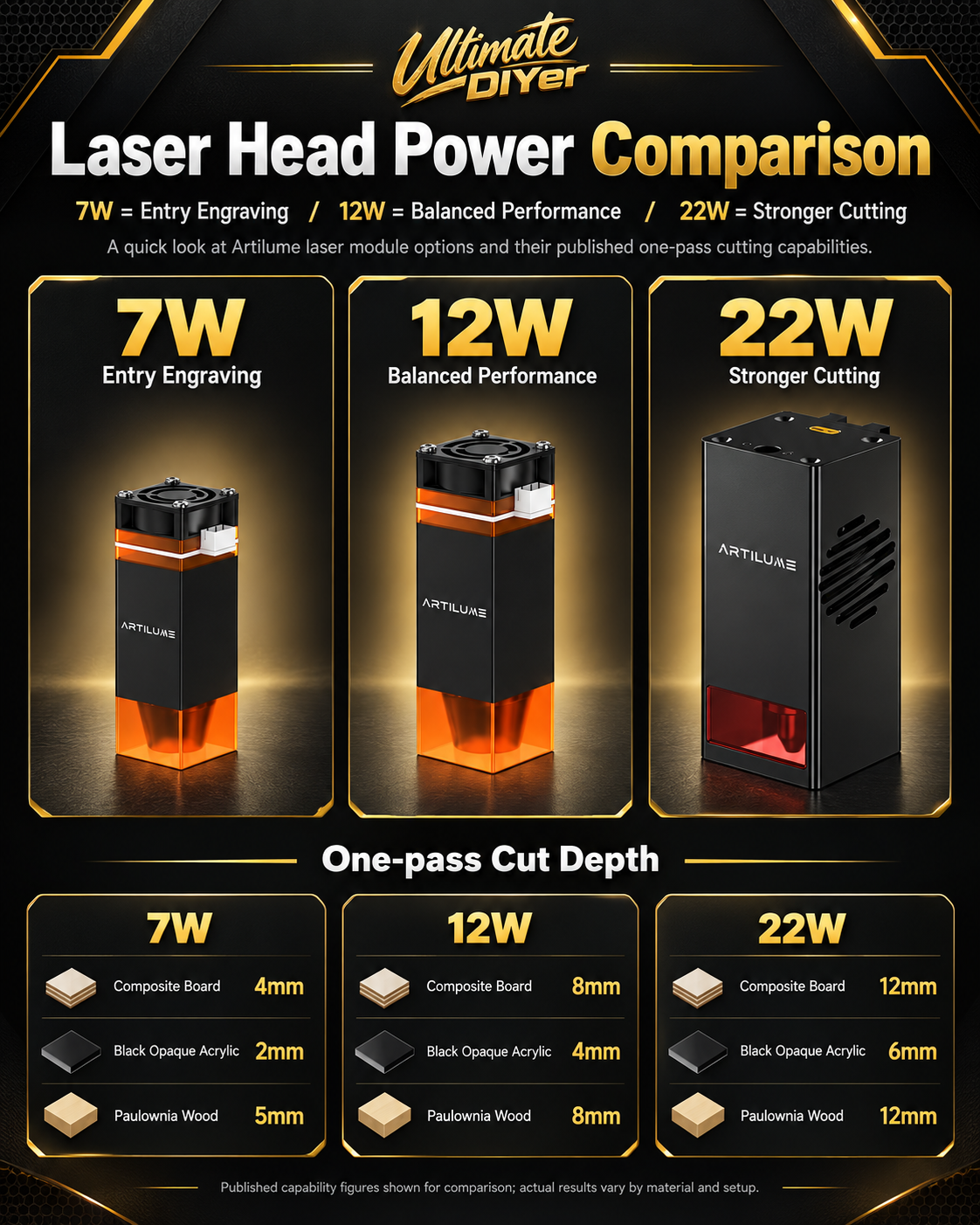
Unfinished compatible wood pieces are a practical place to learn. Different species, plywood cores, adhesives, surface treatments and moisture levels change how a laser behaves. A blue diode laser may work with certain opaque acrylics but not clear acrylic; marks on coated or anodized metal should not be confused with deep engraving of bare metal. The manufacturer lists additional cutting capabilities, but my first video tested only a small number of wood projects.
LightBurn or LaserGRBL: what’s next?
LightBurn is a paid desktop design and control application, while LaserGRBL is a free Windows application for compatible GRBL controllers. They offer more advanced workflows than a simple phone-based first attempt, but I did not test either program for this first video. I plan to explore desktop software in the next video, compare workflow and positioning, and build a more reliable library of material settings.

Troubleshooting lessons for first-time users
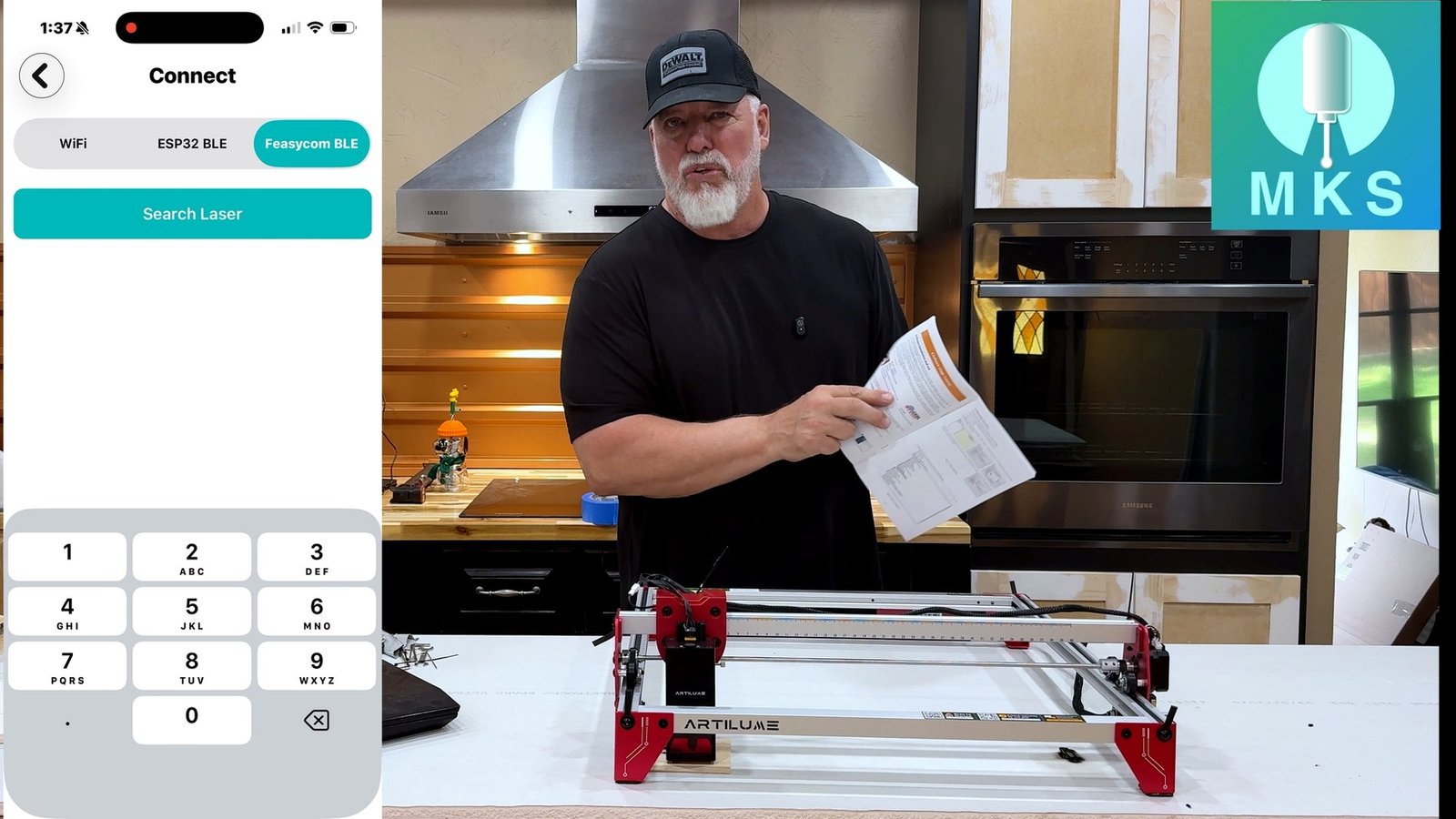
If the machine doesn’t connect, check its power, the app’s selected connection method, cable or wireless pairing and the manufacturer’s instructions. If a design starts in the wrong location, distinguish homing from work-origin settings and confirm your framing boundary. Poor cuts can come from unsuitable materials, incorrect focus, speed, power or pass count; distorted designs can indicate belt and gantry issues. Do not change controller firmware settings at random.
IMAGE TO ADD: laser troubleshooting (awaiting Media Library upload)
My first impressions and what comes next
I went from having never operated a laser engraver to assembling the A4, understanding its basic operation, reconnecting and homing it, using the mobile app and making some actual wood projects. There is plenty I still want to test, particularly desktop software, repeatability and a wider range of materials. If you’re experienced, tell me: would you teach a complete beginner LightBurn, LaserGRBL or something else? And what is the first mistake you would warn them to avoid?
IMAGE TO ADD: laser project conclusion (awaiting Media Library upload)
Watch the video and useful resources
Watch my first laser engraving video
Artilume A4 official store — viewer discount code DIYer